

Portal Guide
Inventory
Review new and used vehicle inventory, search inventory records, and inspect available vehicles from the Inventory page.
The Inventory section is the portal workspace for dealership vehicle inventory.
Inventory overview
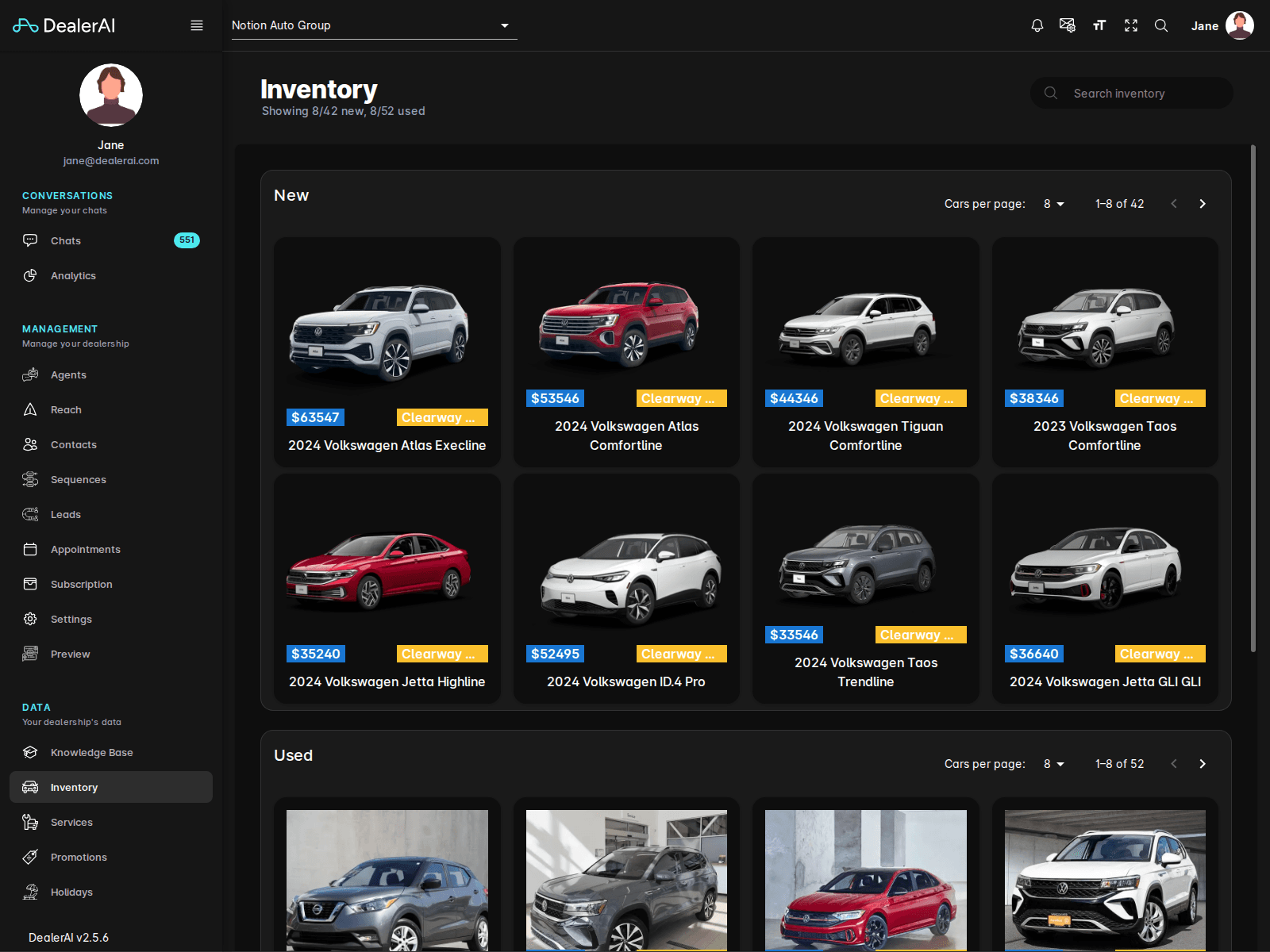
The current Inventory page shows separate sections for:
- New Cars
- Used Cars
The header also displays summary counts for the currently visible new and used inventory.
Inventory detail view
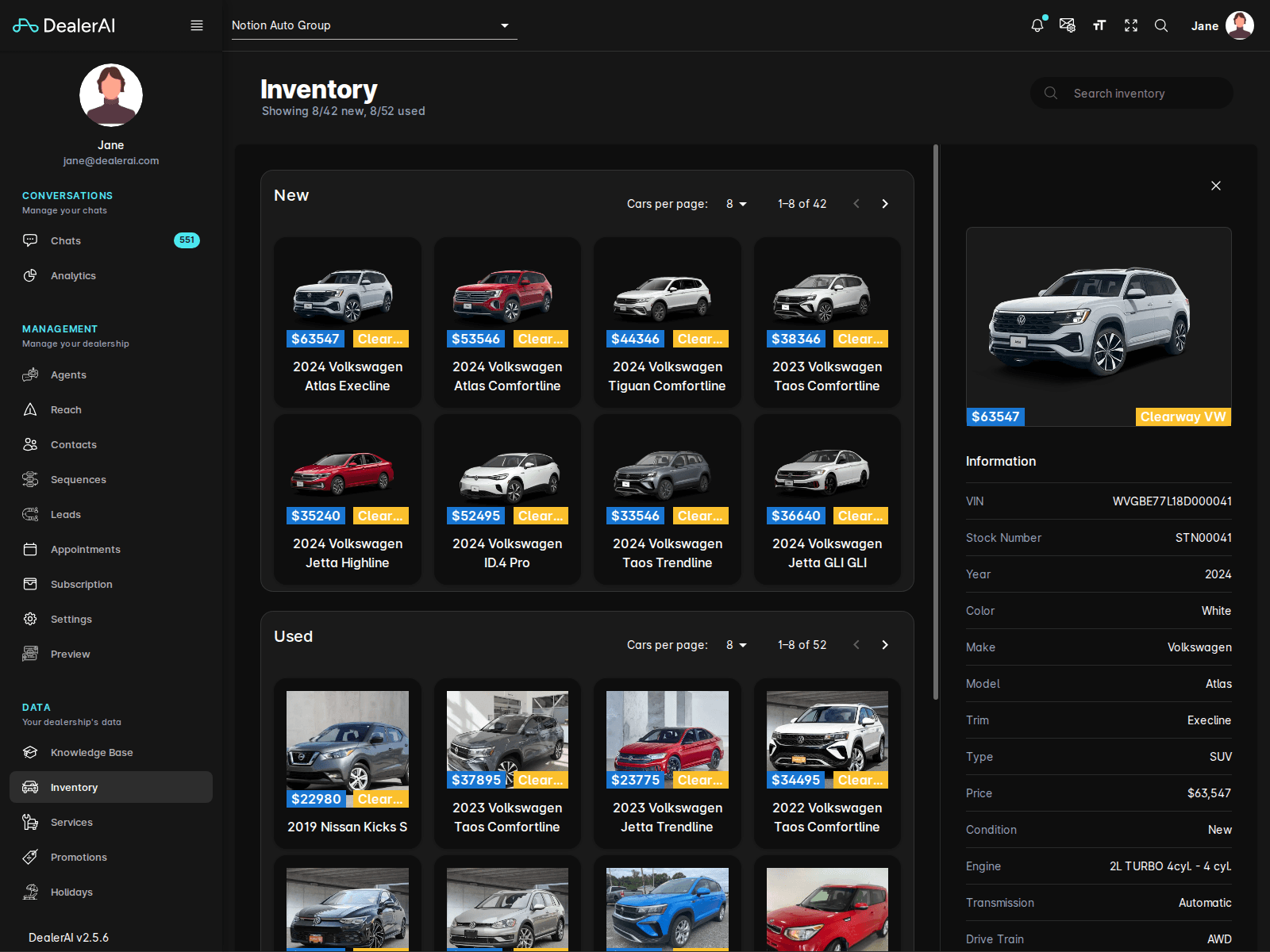
When a vehicle is selected, the portal opens a detail workflow so users can inspect an individual unit more closely without losing the broader inventory context.
What users can do
From the Inventory page, dealership staff can:
- Review visible inventory counts
- Browse vehicle cards in the current result set
- Switch through paginated new and used inventory lists
- Open a vehicle to inspect more details
The list presents each vehicle as a quick summary card, typically including price, store label, model year, make and model, and trim.
Typical workflow
Open Inventory from the navigation.
Review the visible new and used counts in the header.
Browse the current vehicle cards or page through additional results.
Open a vehicle when you need to inspect its details more closely.
Confirm the inventory shown here matches the dealership's expected live stock.
Notes
- Inventory is dealership-specific.
- The page is split between new and used listings rather than a single undifferentiated list.
- Inventory documentation pairs well with Promotions and Knowledge Base when describing how DealerAI answers vehicle questions.