

Portal Guide
Leads
Review lead activity by date range, inspect conversation records, and queue follow-up actions from the Leads page.
The Leads section is the dealership lead-review workspace in the DealerAI portal.
Leads list
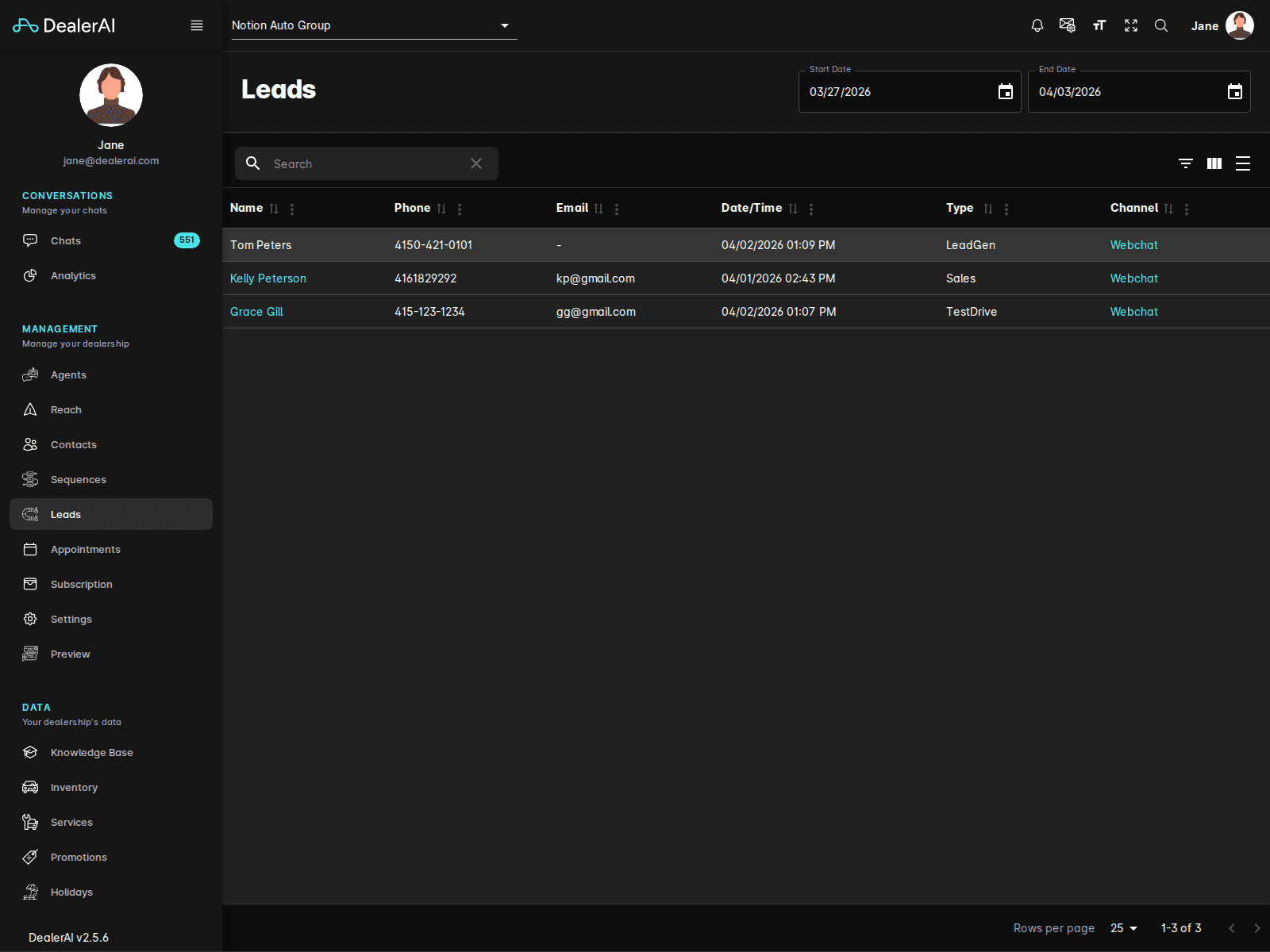
The current Leads page shows:
- A Start Date picker
- An End Date picker
- A dealership-scoped leads table
- A sequence-enrollment panel beneath the table
The visible lead columns include:
- Name
- Phone
- Date/Time
- Type
- Channel
Sequence panel
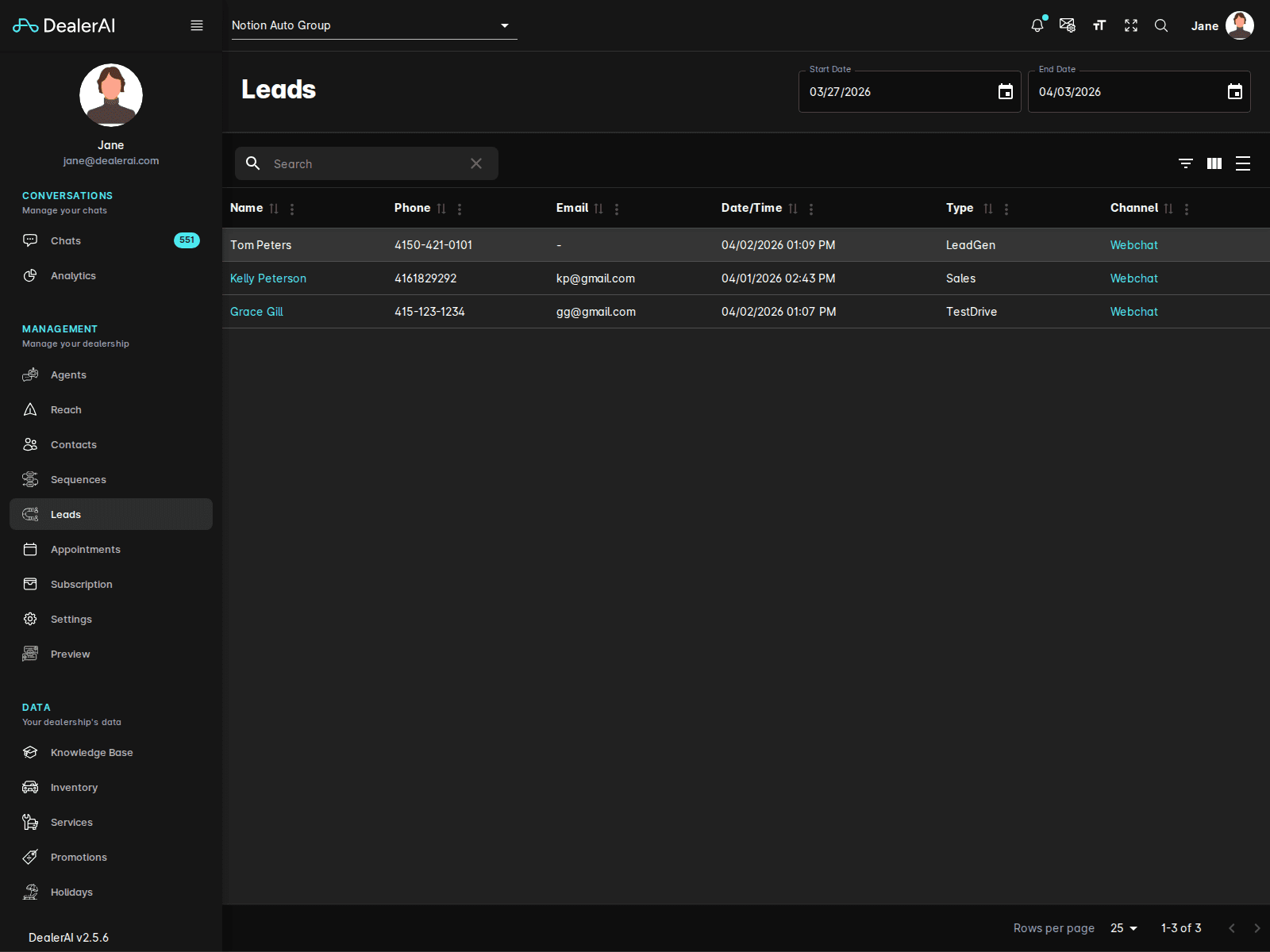
The lower section of the page includes quick sequence controls such as:
- Select Sequence
- Start Date
This supports immediate handoff into automated outreach when a lead should continue through Reach or Sequences.
Working a lead
From the Leads section, dealership staff can:
- Narrow the list by a date range
- Review the recent leads in the selected window
- Inspect how the lead entered the system
- Use the sequence panel to place the lead into a follow-up workflow
Typical workflow
Open Leads from the navigation.
Set the Start Date and End Date for the period you want to review.
Inspect the table for lead type, channel, and timing.
Open the related conversation or customer record when more context is needed.
Use sequence enrollment when the lead should move into follow-up.
Notes
- Leads is dealership-specific.
- This page is optimized for reviewing and triaging recent lead activity.
- Pair this page with Reach and Contacts documentation when describing a complete lead-management workflow.